
Published 4 min read
Expense reports that start with the receipt
The hard part of an expense claim is never the form. It is the receipt that went through the wash.

The receipt is the bottleneck
Expense processes tend to fail at the same point: a paper slip has to survive a pocket, a trip and a month before anyone types it in. Claims get submitted late, approved on trust, or dropped.
Every step after that, approval, reimbursement and reporting, inherits whatever was lost at the start.
Capture at the moment of spend
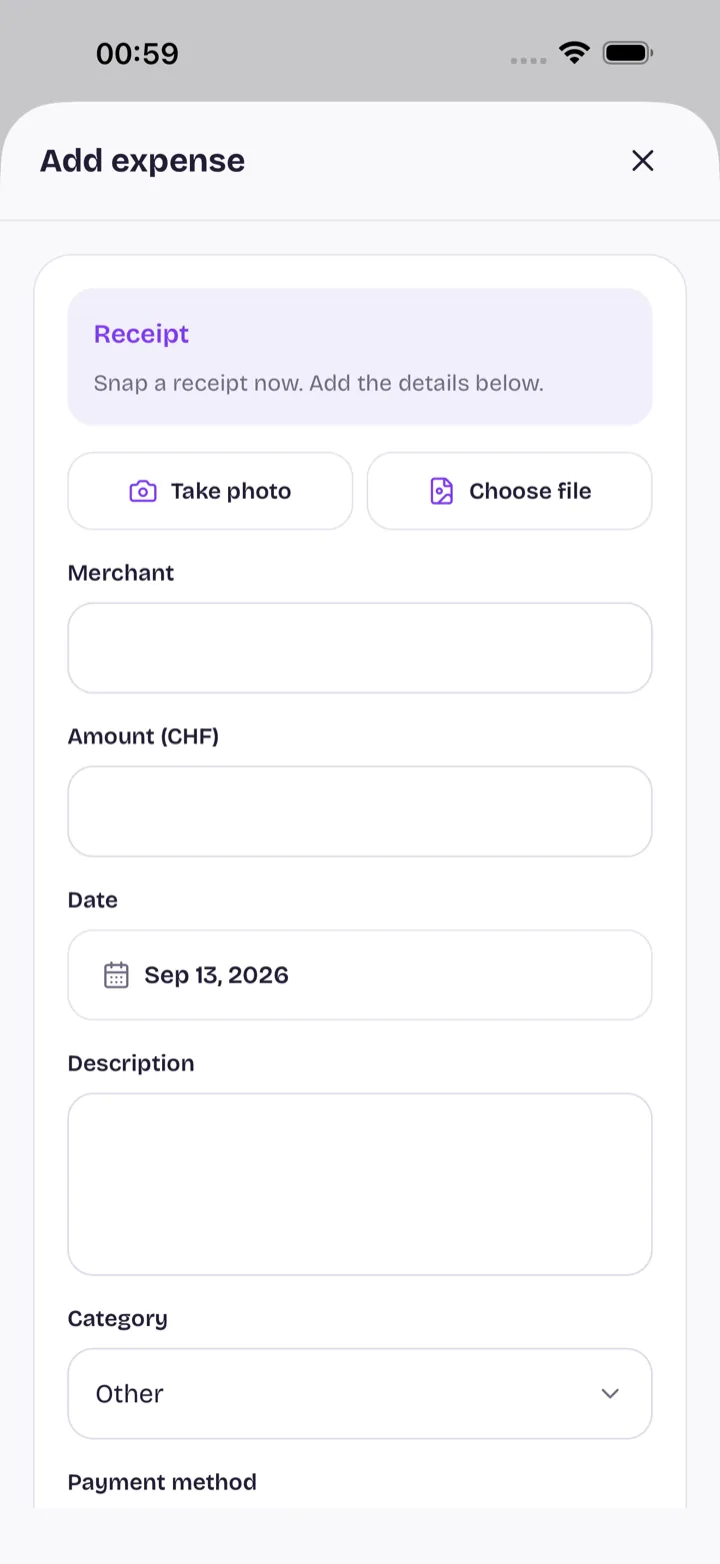
The Flipp mobile app lets someone photograph a receipt when they pay, attach the amount, currency and payment method, and send the claim on its way before leaving the shop.
The image stays with the claim, so an approver can see what was bought without asking for the slip.

Optional AI extraction
Where an organisation has enabled the AI module, a requested scan sends the receipt to OpenAI to extract the expense details. The person submitting reviews those values before anything is saved.
Extraction is a convenience, not a requirement. Expenses can be entered by hand, and organisations that would rather not send documents to a third party can leave the module off.
Approval and reimbursement
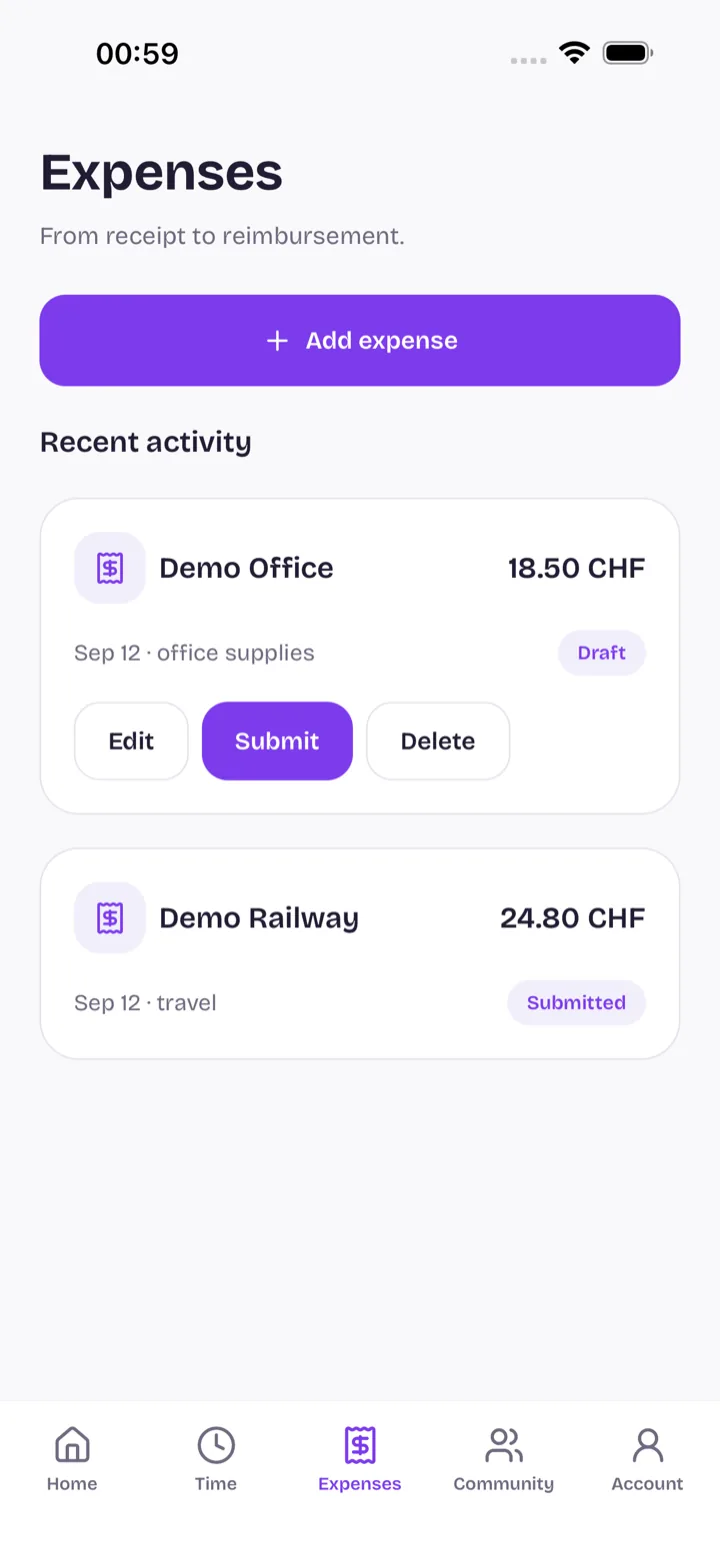
Submitted claims move to whoever approves them, with the amount, description and receipt in one place. Decisions and reimbursement status are recorded against the claim.
Whether a particular claim still needs its original paper receipt is a policy and tax question for your organisation. Flipp keeps the image; it does not decide your retention rules.
Frequently asked questions
- Can I photograph a receipt instead of keeping the paper?
- Flipp stores the image with the claim. Whether the original is still required is a policy and tax matter for your organisation and jurisdiction, not something the app decides.
- Does Flipp read my receipts automatically?
- Only if your organisation has enabled the AI module and you request a scan. Otherwise expense details are entered by hand.
- Where does a scanned receipt go?
- A requested scan is sent to OpenAI to extract the details, and the image is stored with the claim in your organisation's workspace.
- Who approves an expense claim?
- The approver your organisation configures. Approvals and reimbursement status are recorded on the claim, and approvers can act from the web or the mobile app.
More from the blog
- Flipp for iPhone and Android is now available
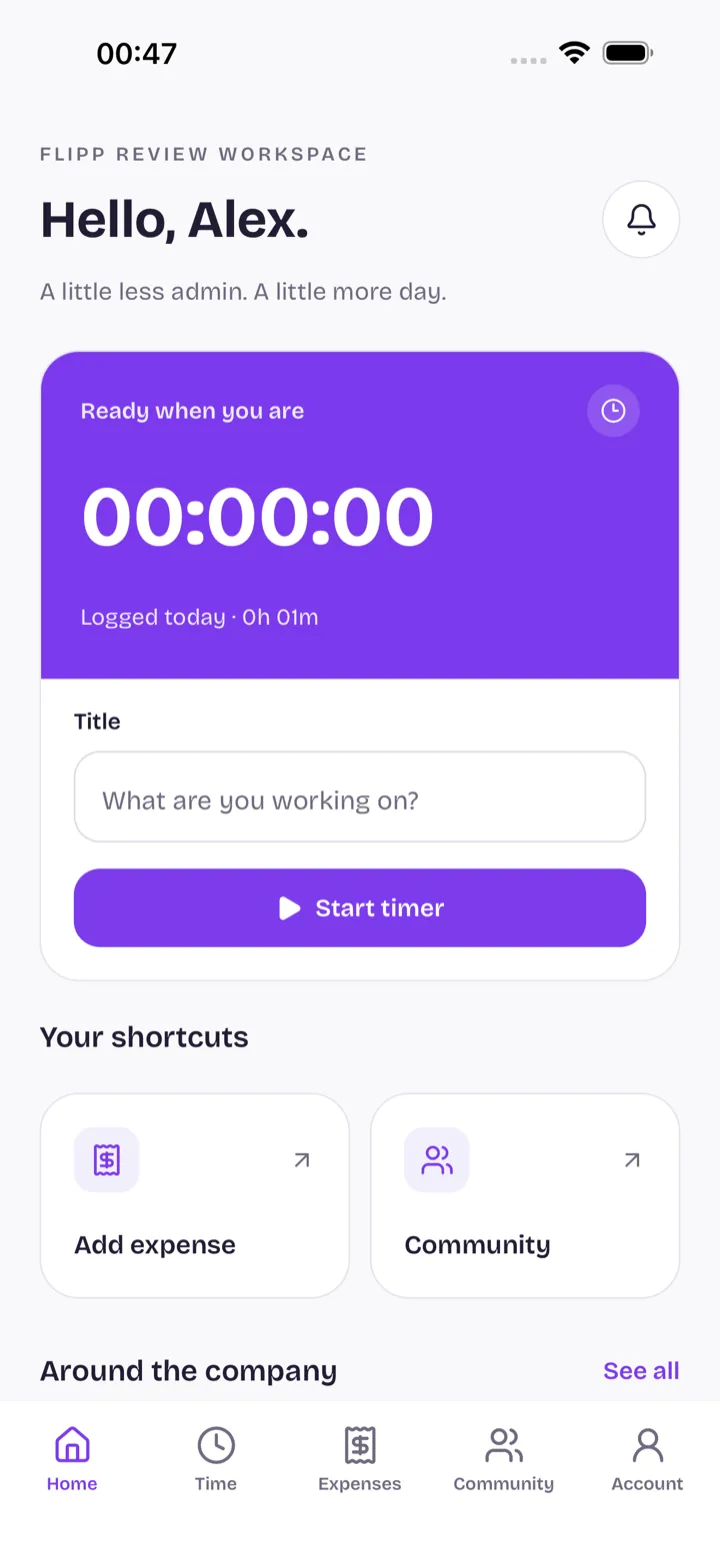
The Flipp mobile app has been approved by Apple and Google. Record time, submit an expense with a receipt photo, and clear approvals without opening a laptop.
Why local beats global: building Flipp in Zug for Swiss companies
Zug and Zurich are half an hour apart and don't share the same public holidays. Why we think software for Swiss companies should be built in Switzerland, in its languages.
Bring us the process that slows your team down.
We will show you where Flipp can help, and what it would take to switch the module on.